No powerful hardware needed
All the heavy rendering happens in our cloud, not on your computer. A laptop and a browser are all you need — no expensive workstation, nothing to install.
Upload a whole set of 3D models. Renderio renders them in the cloud, then you shape the light with sliders — product and background separately — and see every change the moment you make it.
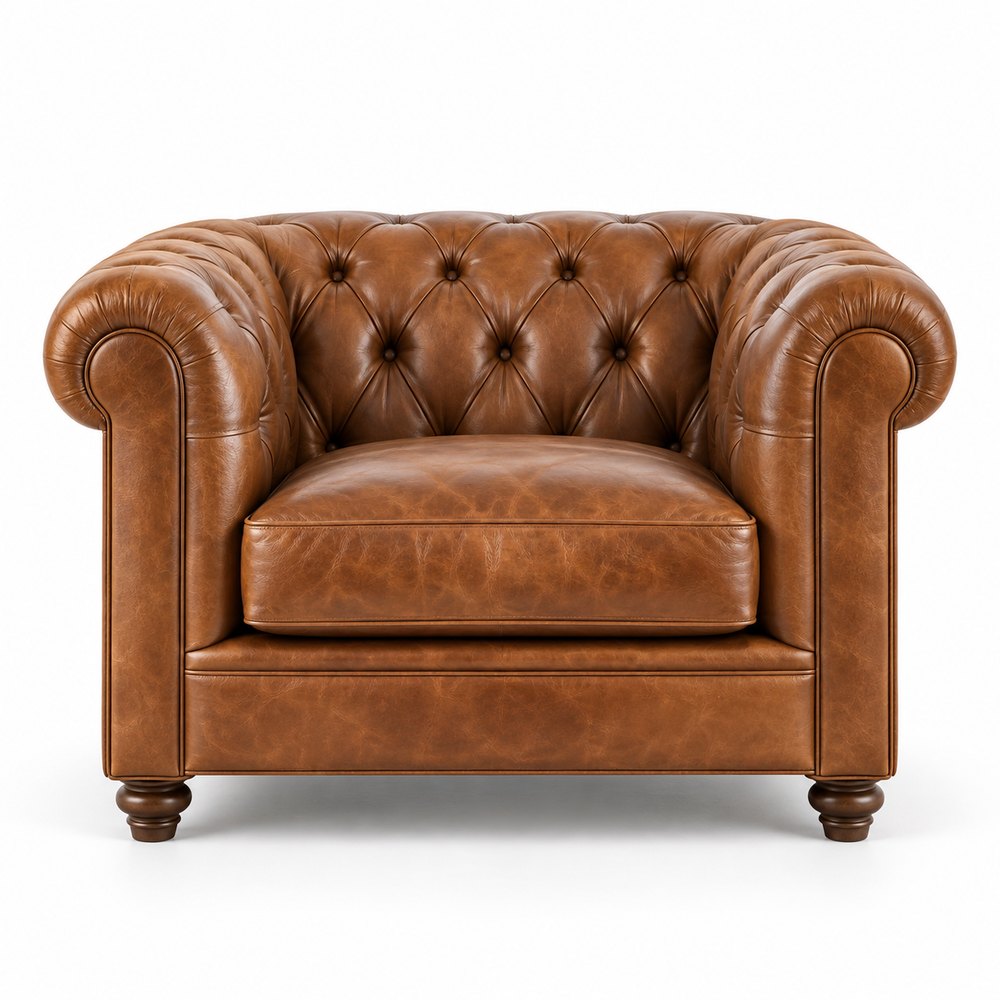
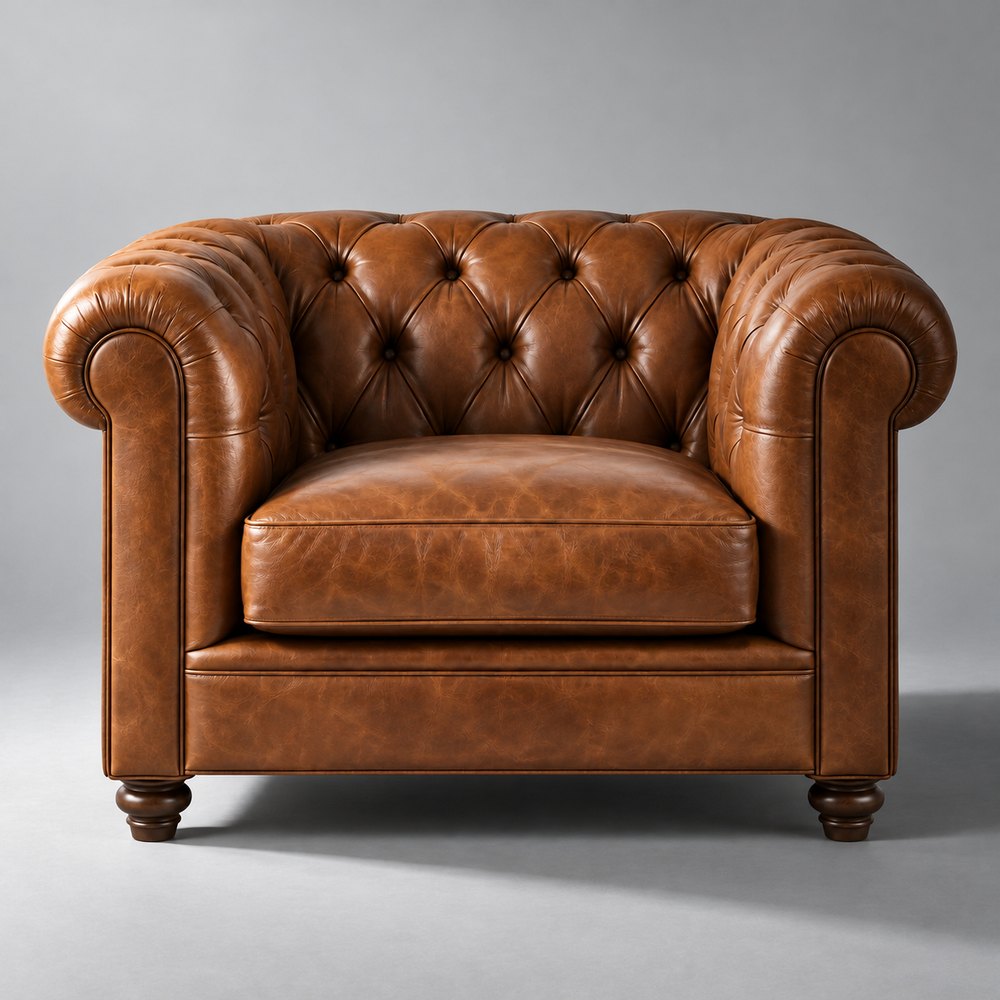
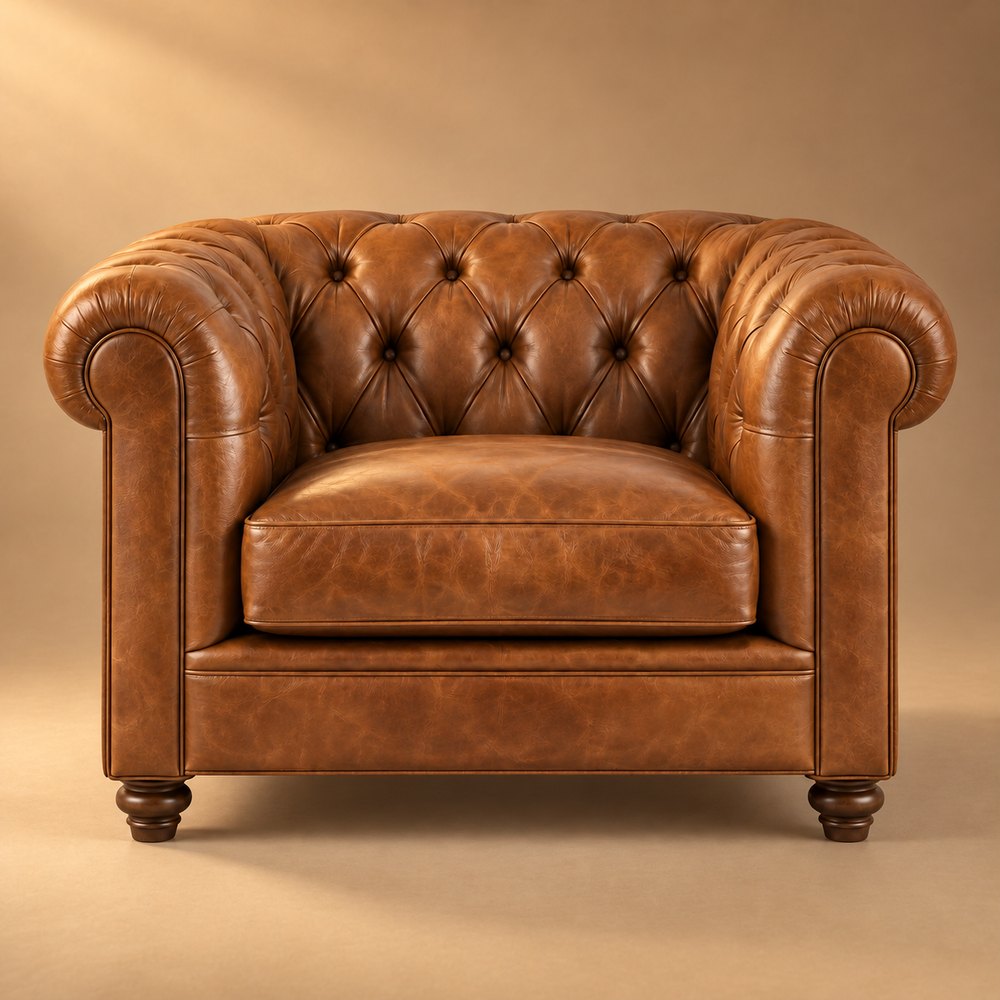
One model, one render — three looks, made with sliders in seconds.
All the heavy rendering happens in our cloud, not on your computer. A laptop and a browser are all you need — no expensive workstation, nothing to install.
We render your product once, with every light kept separate. After that, moving a slider updates the image immediately — no waiting, no re-rendering.
Six studio lights on the product — key, fill, back, left, right and top — plus warmth and exposure. Shadows have their own lights, so you shape them separately. Every change shows up as you drag.
Go dramatic or soft, then put the product on white, grey or a synthetic studio backdrop. Save the look and apply it to a whole set, so every product matches.
Pick your camera angles once and every model in the set is rendered from each of them — front, 3/4, side, from above and close-up details. Light one shot, then carry the look across all of them.
Drop in FBX, OBJ, glTF/GLB, USD/USDZ or .blend files — one model or a whole collection.
Our cloud renders every camera angle in high quality. You get a notification when each model is ready.
Light the product and the shadows separately, and see every change instantly.
PNG, TIFF or JPG — on white or transparent, in every size your shop needs.
Renderio ships an MCP server, so AI agents can work with it just like you do: upload models, set up cameras, start renders, apply a lighting look and export finished silo shots. Use it from Claude, your own agents or a pipeline script.